
|
Text ads are displayed in surf, in the top surfbar on the right side of the screen, and on various pages in the member area in Hungry For Hits. In this article, we will explain how you add text ads that your want to advertise in Hungry For Hits, and how to assign text ad impressions (text ad views) to them. Free members can add 5 text ads, Silver members can add 15 text ads, Gold members can add 25 text ads and Super advertisers have unlimited advertising to 25 text ads. To add a text ad, follow these simple steps:
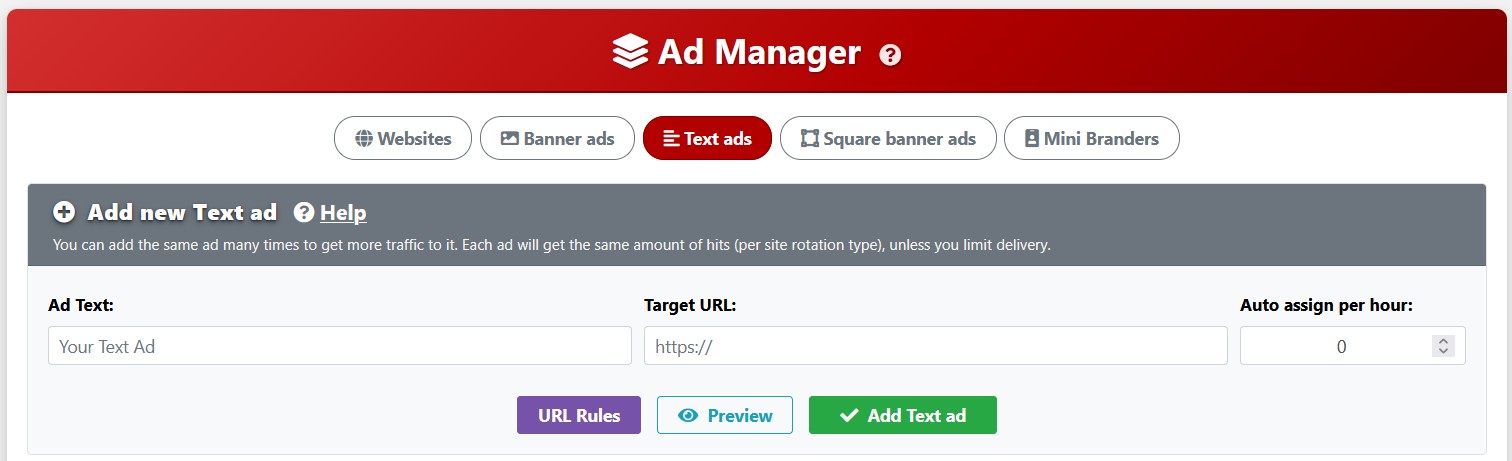
1. Click the My Ads page under the Advertising menu and then click the "Text ads" button on the top of the page.
2. In the "Ad text" field, write what other surfers will see. It's a good idea to write something catchy or fun.
3. In the "Target URL" field, fill in where you want visitors to go when they click your text ad, most likely a referral link.
4. In the "Auto assign per hour" field, select if you want to automatic ally assign a certain number of impressions from your unassigned square banner ad impression balance each hour, or leave at 0.
5. Click "Add Text ad" to add your text ad. You can also click the "Preview" button to see what it looks like, before clicking the Add button.
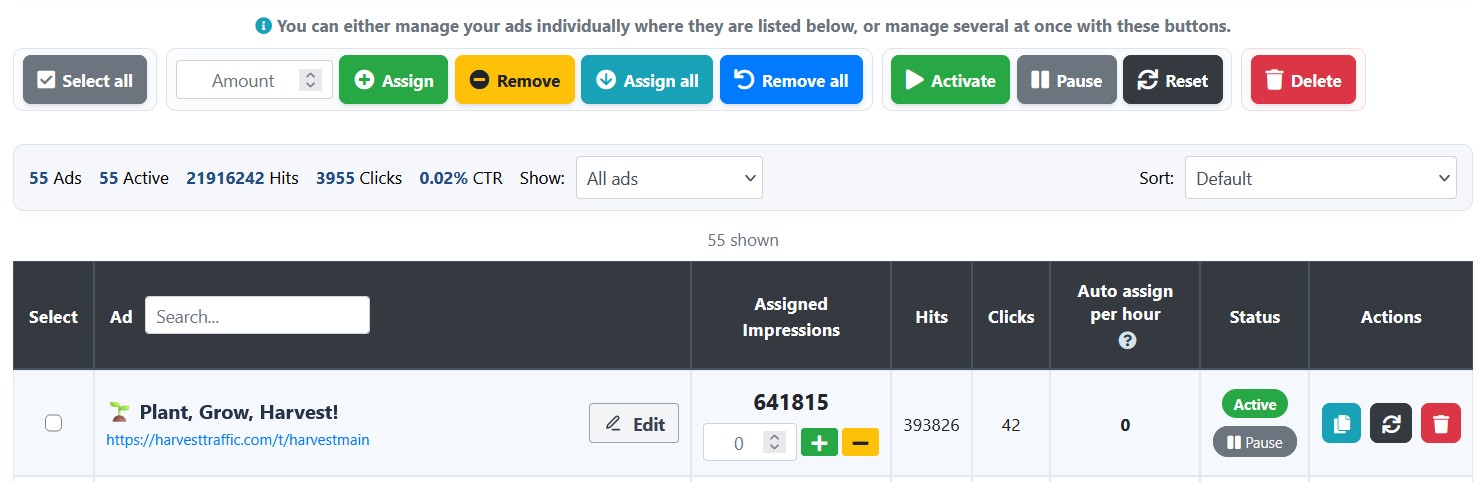
To have your text ad display, you must assign text ad impressions to it. You can do it manually, by entering how many impressions you want to assign in the "Assigned impressions" field and updating by clicking the green plus sign button next to it, or selecting your text ad by checking the field in the column left of your ad and using the assign option buttons.
We also have the automatic assign feature for text ads that takes a number of unassigned text ad impressions every hour and assign them to your text ad. To set up automatic assign to an existing text ad, or to edit the amount, click the "Edit" button next to your text ad and select how many impressions you want to assign to your text ad each hour.
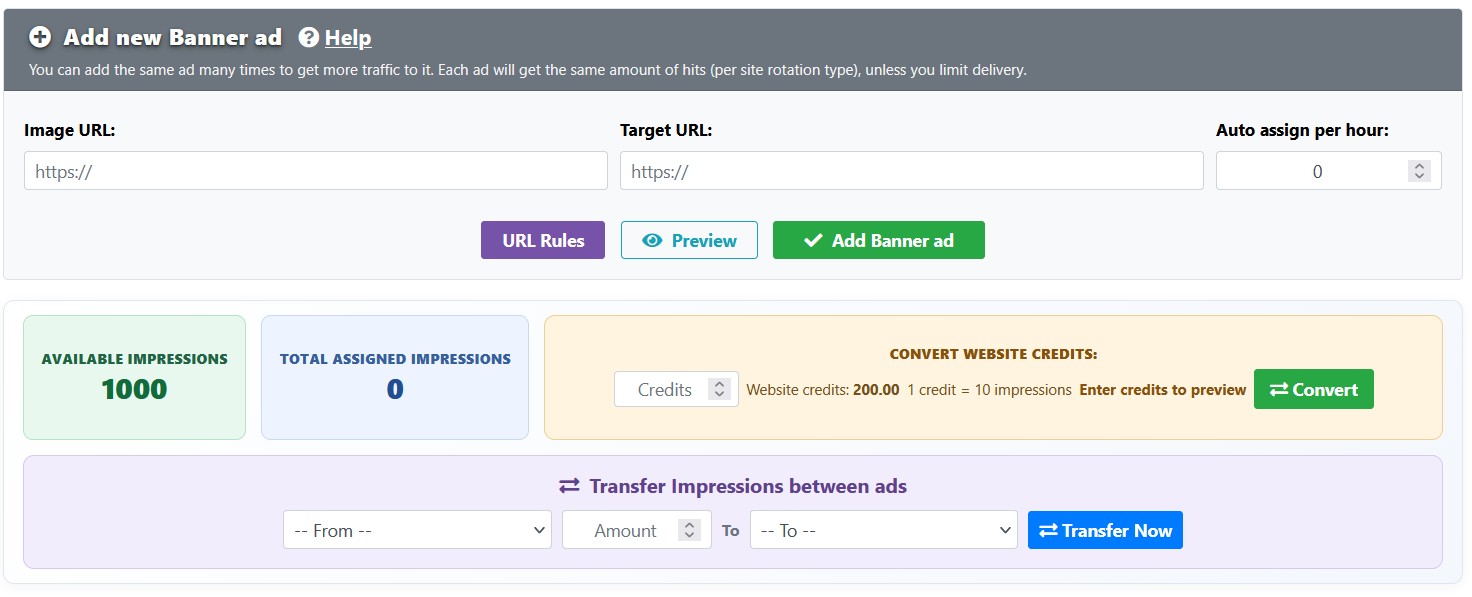
You can also convert website credits gathered in surf to text ad impressions. The conversion area is located on the top of the page, next to your impression balance. It's only possible to convert credits to impressions, not the other way around. You will get 10 text ad impressions per 1 credit.
Text ad advertising is a "cheaper" way to advertise. You can earn text ad impressions as prizes while viewing ads, surfing, and in daily promo codes.
Related articles:
Add a website
Add a square banner
Add a banner
Add a mini brander
Auto assign
Transfer credits
Ad spotlight
 |